


If you have a Steam account, you probably tried to sell something on the Steam Market more than once. A better solution would be to use a skin trading platform, which would allow you to use your money outside of Steam.
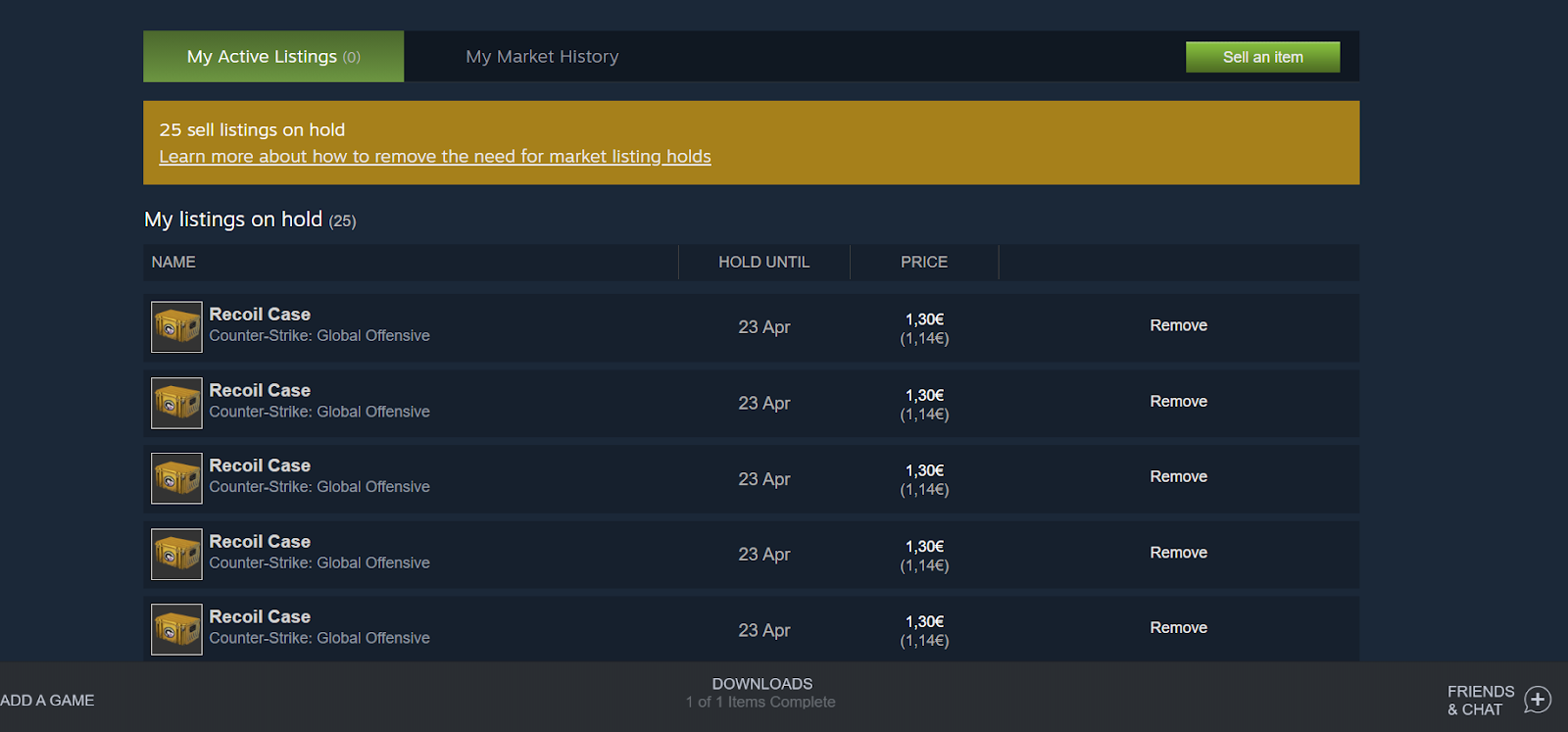
But if you choose to trade on Steam, setting up your Steam Guard is a good idea. This will allow you to sell skins much easier and immediately instead of having to wait for at least two weeks to do it.
Steam Guard in a Nutshell
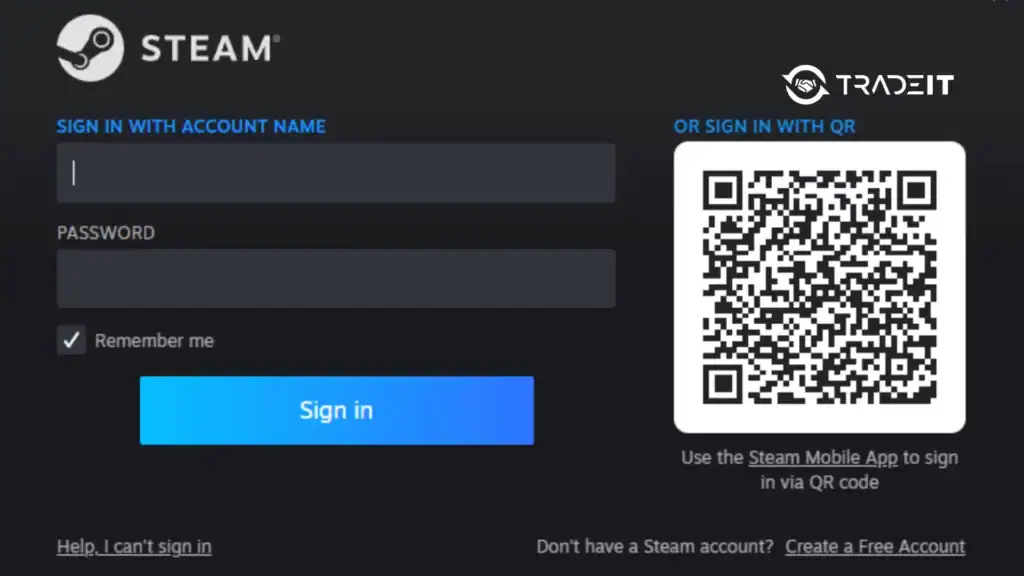
Steam Guard is a two-factor authentication (2FA) system by Valve to enhance Steam account security.
It adds a second verification step beyond username and password, requiring a unique code sent to your email or generated via the Steam Mobile App when logging in from an unrecognized device.
This protects against unauthorized access and is mandatory for trading or using the Steam Market.
The Mobile Authenticator offers faster logins and additional features like QR code sign-ins. Steam Guard ensures your account, games, and items remain secure.
Steam Guard Codes
Steam Guard codes are temporary, time-based security codes generated by the Steam Mobile App. They act as a second verification step when logging into your Steam account, alongside your password.
Each code refreshes every 30 seconds, protecting against unauthorized access and ensuring stronger security for your account.
Steam Guard codes appear in the Steam Mobile App under the Steam Guard section. They are also sent via SMS to your linked phone number if you haven’t enabled the mobile authenticator.
You use these codes when logging in to Steam or confirming trades and market transactions.
Cooldown Periods and Trade Holds
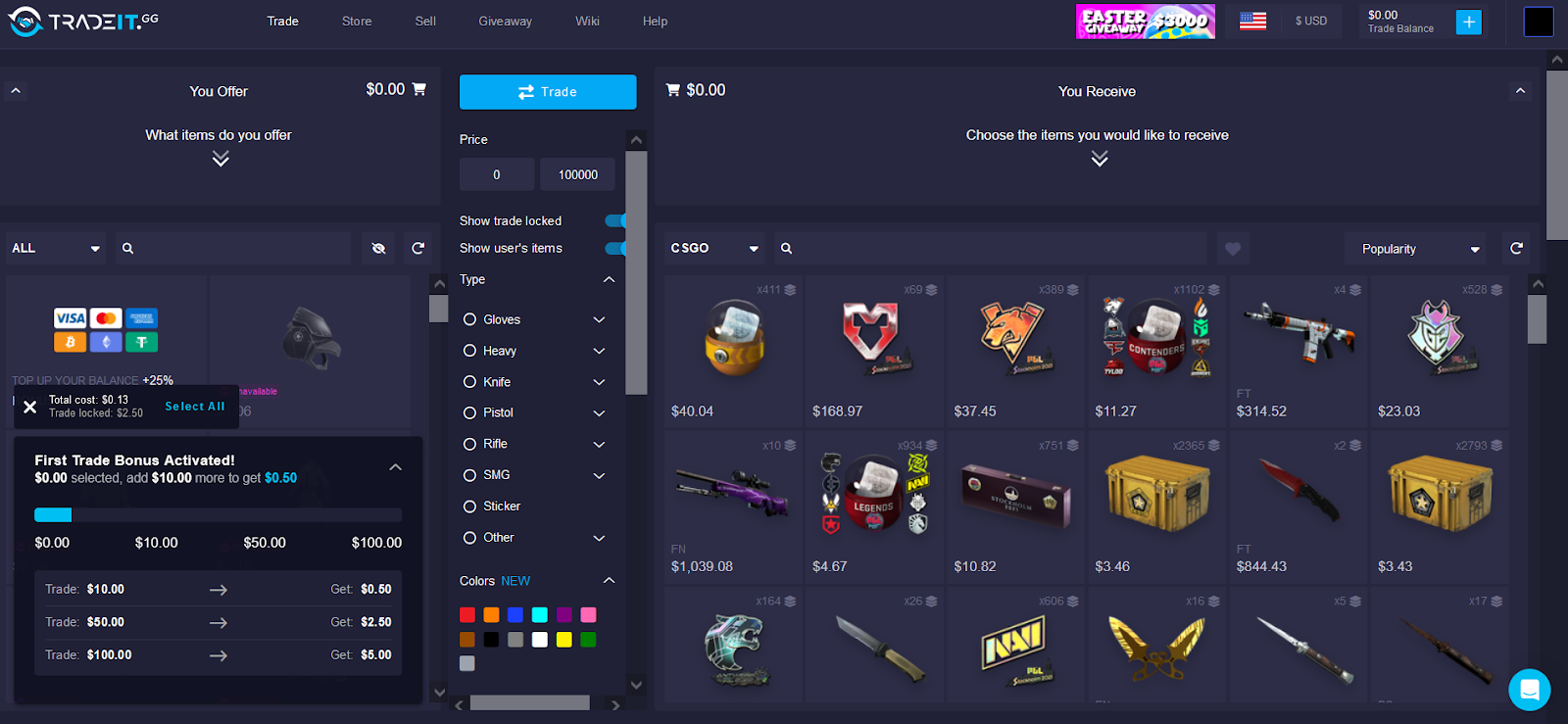
Browse the collection to compare finishes, exterior conditions and the available items. Each card brings the image, item name and price together so the selection is easy to review. Open an item to see its details, compare the available variants and add the chosen version to your cart.
Each card brings the image, item name and price together so the selection is easy to review. Open an item to see its details, compare the available variants and add the chosen version to your cart.
The Benefits of Steam Guard Mobile Authenticator
| Feature / Impact | With Steam Guard Mobile Authenticator | Without Steam Guard |
|---|---|---|
| Account Security | Strong two-factor protection (email + mobile confirmation), greatly reducing risk of theft. | Only password + email protection; vulnerable to phishing and hacking. |
| Trade Confirmations | Mobile confirmations required for every trade → ensures only you approve transactions. | No confirmations; trades can be hijacked if password is stolen. |
| Market Restrictions | No major delays once authenticator is active for 7+ days. | 15-day trade/market hold on all items → can’t trade/sell skins instantly. |
| Trading Skins | Fast trading with other users; essential for active CS2 skin trading. | Inconvenient delays → discourages traders, hurts market activity. |
| Buying/Selling on Steam Market | Can list and sell items instantly without extra holds. | Items are locked in a 15-day hold before being listed/sold. |
| Trust in Trading Partners | Traders prefer accounts with authenticator because trades are faster and safer. | Many traders avoid accounts without authenticator due to delays. |
| Overall Benefit | Best option for anyone serious about CS2 skin trading/investing. | Only viable if you rarely trade or don’t care about delays. |
In games like Counter-Strike 2, Dota 2, and Team Fortress 2, skins can be worth a lot of money. And some players have inventories that could be sold for more than $1000. In some cases, for more than $1 million!
Open an item to see its details, compare the available variants and add the chosen version to your cart. Search by name or narrow the catalog with the available filters, then clear the filters to explore the full selection again.
Search by name or narrow the catalog with the available filters, then clear the filters to explore the full selection again. An item can appear in several exterior conditions, and each available version is shown separately in the catalog.
An item can appear in several exterior conditions, and each available version is shown separately in the catalog. The cart keeps the selected items together and updates the total whenever a quantity changes or an item is removed.
Using Steam Guard as a Skin Trader
The cart keeps the selected items together and updates the total whenever a quantity changes or an item is removed. The current pages are a visual preview using demonstration inventory; the store will receive its own product information before launch.
The current pages are a visual preview using demonstration inventory; the store will receive its own product information before launch. Images, condition labels and item details provide a consistent way to explore a skin across the catalog and its detail page. Browse the collection to compare finishes, exterior conditions and the available items.
Images, condition labels and item details provide a consistent way to explore a skin across the catalog and its detail page. Browse the collection to compare finishes, exterior conditions and the available items.
When you use Steam Guard, you get the ability to sell instantly. Or at least add your skins to the market right away. If the price you’re asking for is small enough, you will make the sale within minutes.
It’s always a good idea to check the maximum pre-buy price offer. That way, you’ll know what price you can ask for if you want to make the sale instantly.
The Steam Mobile App
The Steam Mobile App is the mobile application that you’re required to install on your mobile device if you want to be able to use Steam Guard.
Browse the collection to compare finishes, exterior conditions and the available items. Each card brings the image, item name and price together so the selection is easy to review.
When you install the app and set up your Steam Guard, save your recovery code somewhere. You’ll likely end up needing it later.
At first, the need to verify your identity might seem annoying. But this additional level of security, which involves the use of an extra password, is extremely useful in today’s world.
If you have any questions about the feature or are afraid to give Valve your phone number, you can contact Steam support and ask questions. Or you can check out this page. The answers you seek might already be there.
Steps to Install Steam Guard Mobile Authenticator
To ensure the security of your Steam account and install the app, you can follow the steps below:
Install Steam Guard Mobile Authenticator
Secure your Steam account and trade CS2 skins without 15-day holds.
-
Log into your Steam account
Open the Steam client or website and sign in with your credentials.
-
Open your account menu
Click your profile name in the top-right corner of the Steam window.
-
Select Account Details
This opens your account management page where you can update security and contact info.
-
Add your phone number
Under Contact Info, choose “Add a phone number”, enter your number, and select Next. Enter the SMS code you receive to verify.
-
Enable the Mobile Authenticator
Once your phone is linked, follow Steam’s guide in the mobile app to turn on the Steam Guard Mobile Authenticator.
Conclusion
Each card brings the image, item name and price together so the selection is easy to review. Open an item to see its details, compare the available variants and add the chosen version to your cart. Search by name or narrow the catalog with the available filters, then clear the filters to explore the full selection again.
FAQs
What is Steam Guard Mobile Authenticator?
Open an item to see its details, compare the available variants and add the chosen version to your cart. Search by name or narrow the catalog with the available filters, then clear the filters to explore the full selection again.
Why do I need Steam Guard for CS2 skin trading?
Without Steam Guard, all trades and market listings are held for 15 days. With it enabled, you can trade and sell CS2 skins instantly, which is crucial for active traders.
How do I enable Steam Guard Mobile Authenticator?
Download the Steam mobile app, log into your account, go to the Steam Guard section, and follow the prompts to activate the authenticator. You’ll need to link your phone number to complete setup.
Is Steam Guard Mobile Authenticator safe?
Yes. It adds a strong layer of protection against hackers by requiring both your password and a mobile confirmation code before trades or logins are approved.
Can I trade without Steam Guard?
Yes, but every trade or market listing will be delayed by 15 days. For anyone interested in CS2 skins, Steam Guard is essential to avoid delays and keep transactions secure.


